
Pages. Your Online Presence, Simplified.
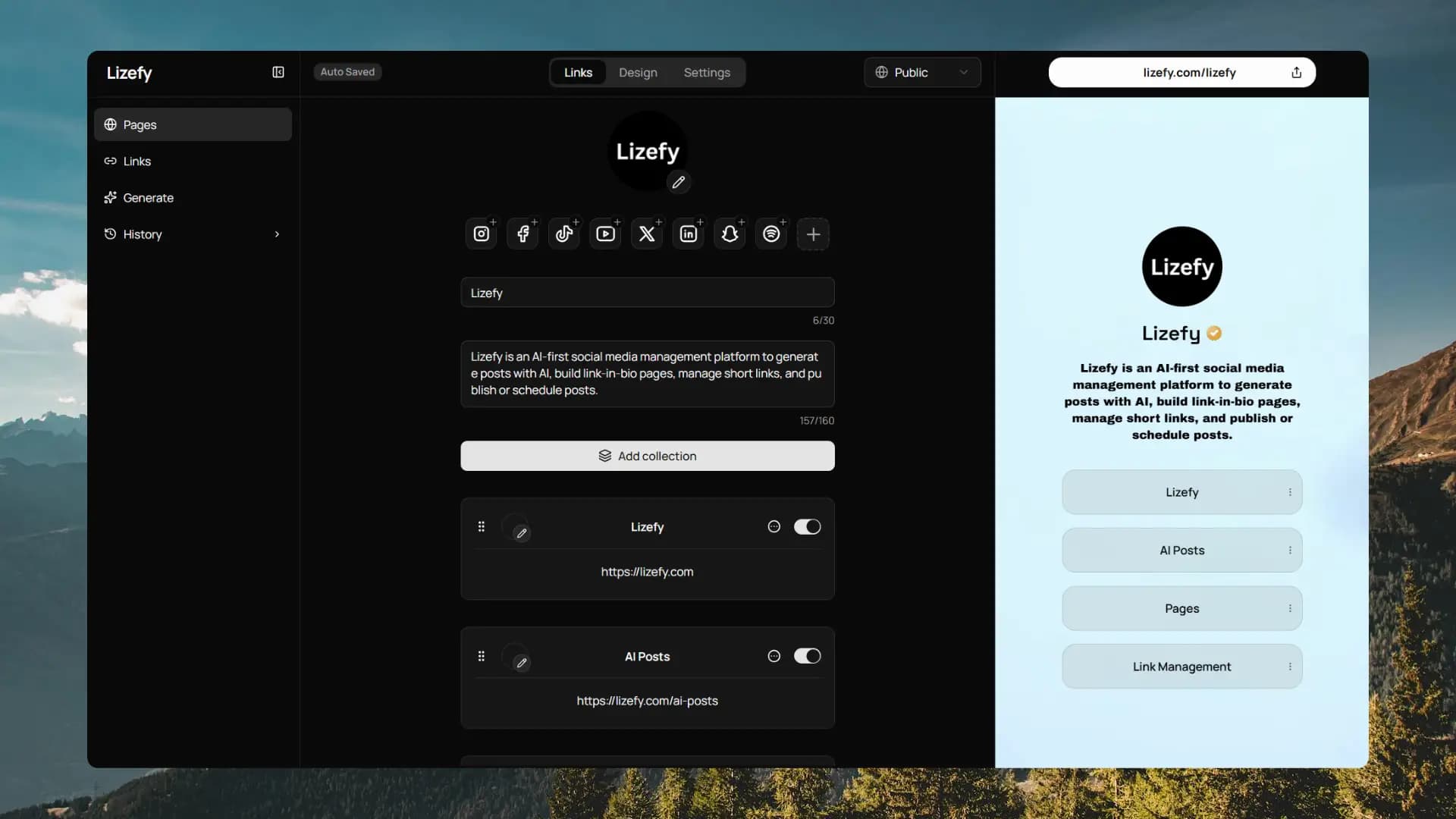
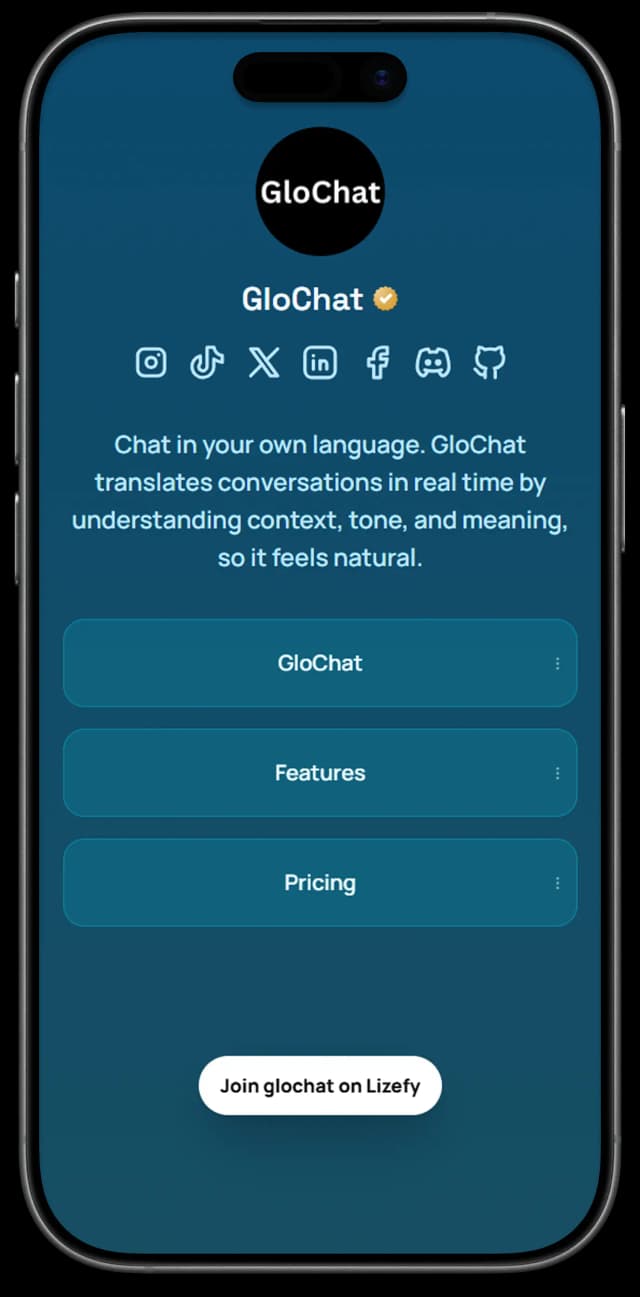
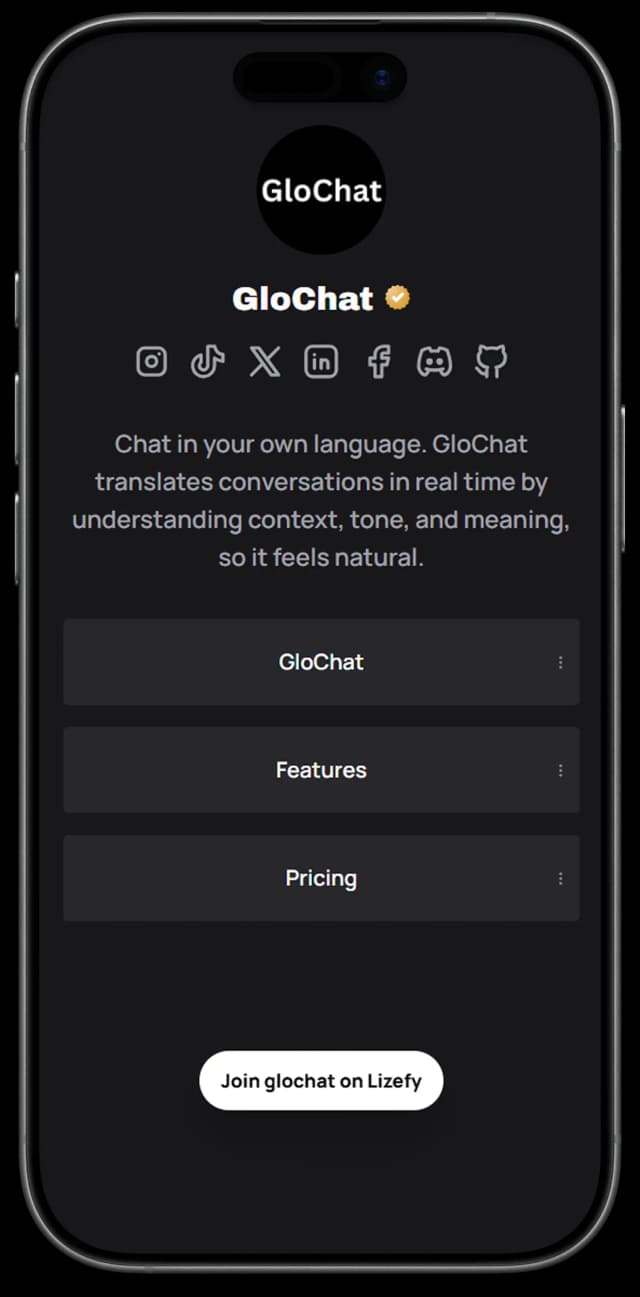
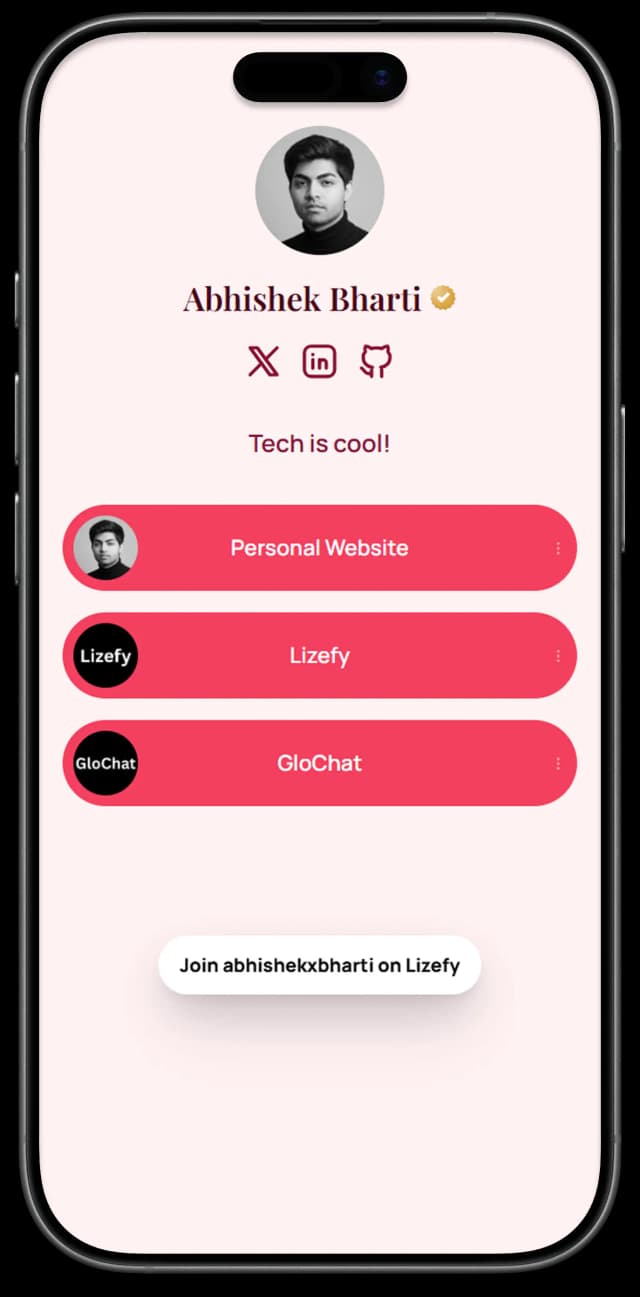
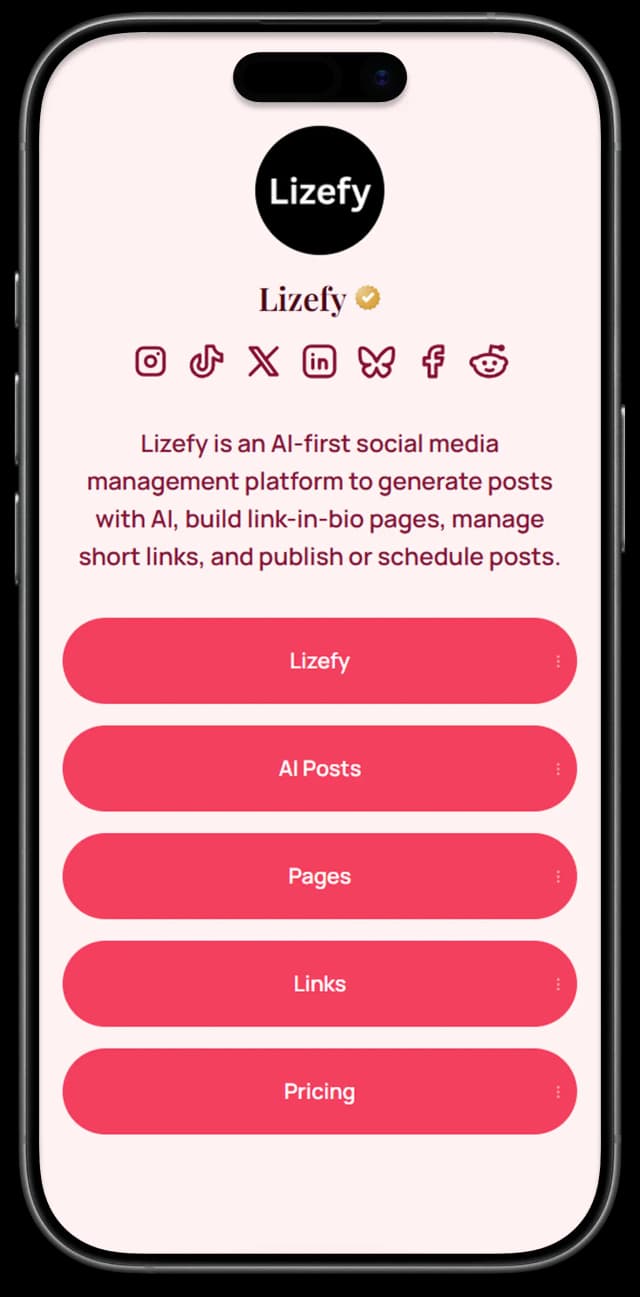
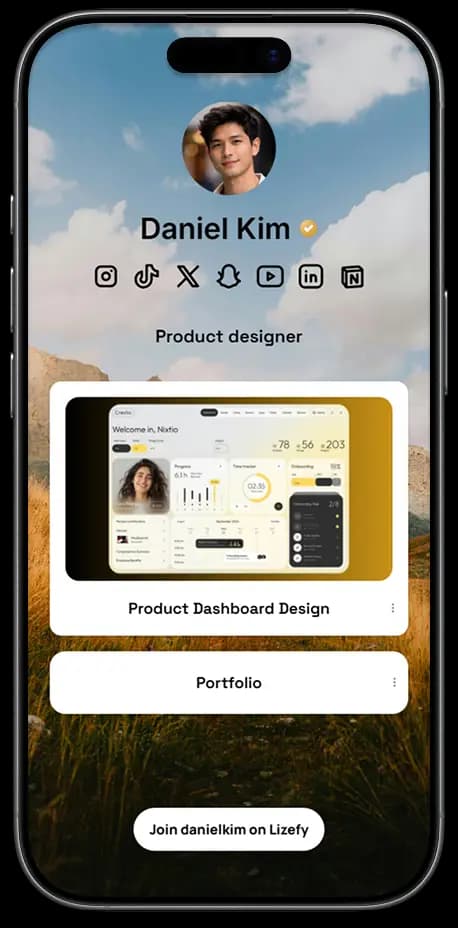
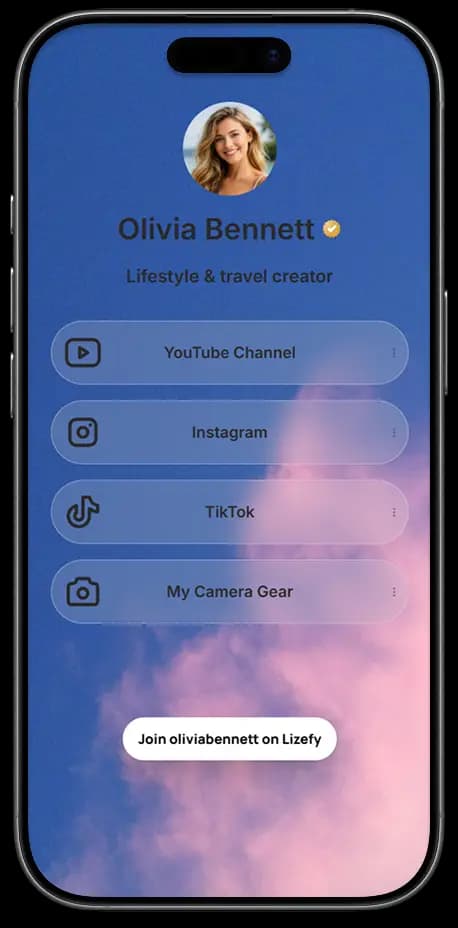
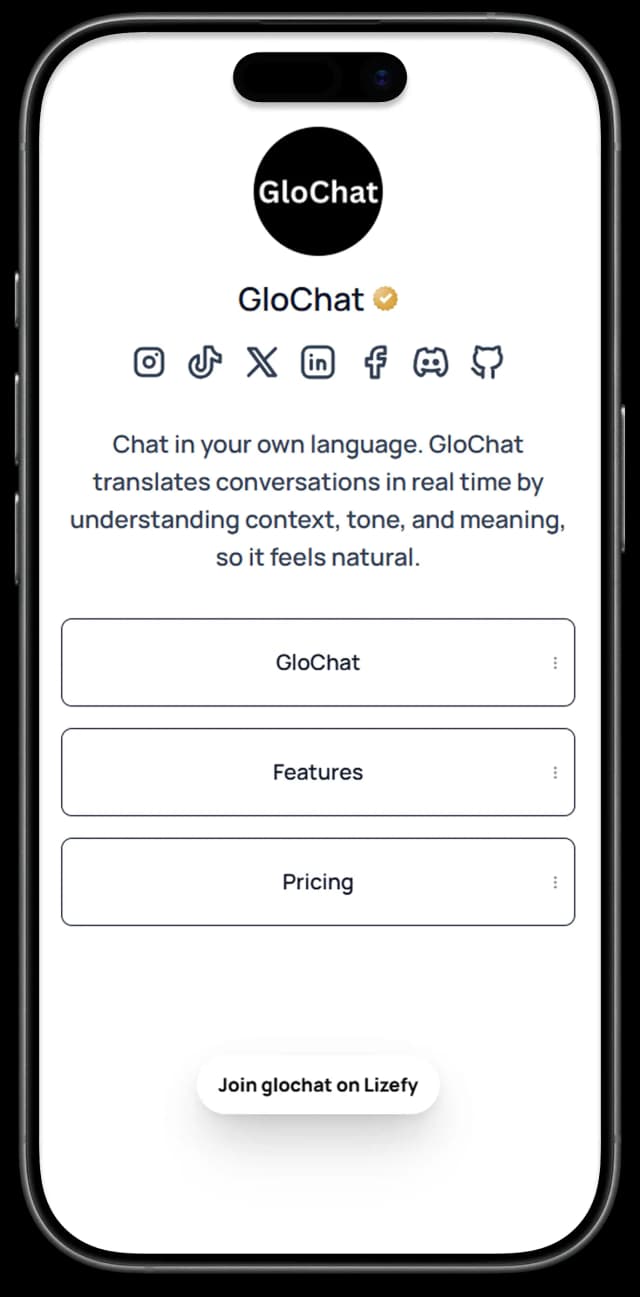
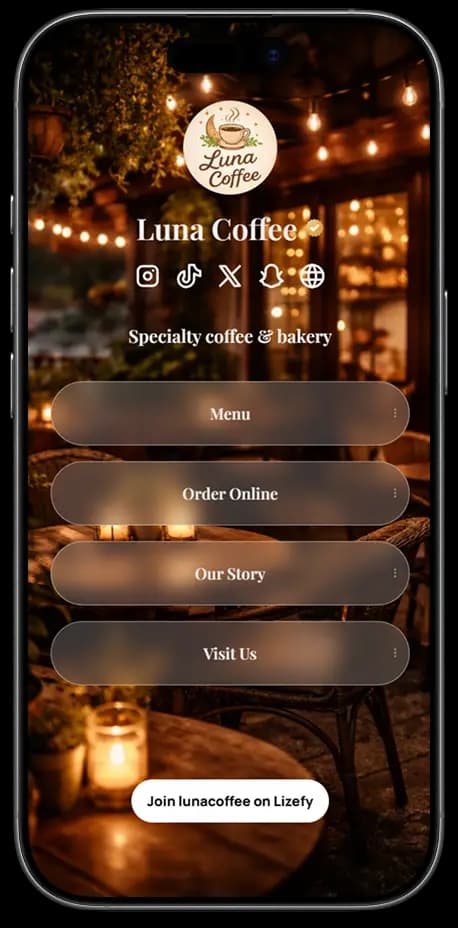
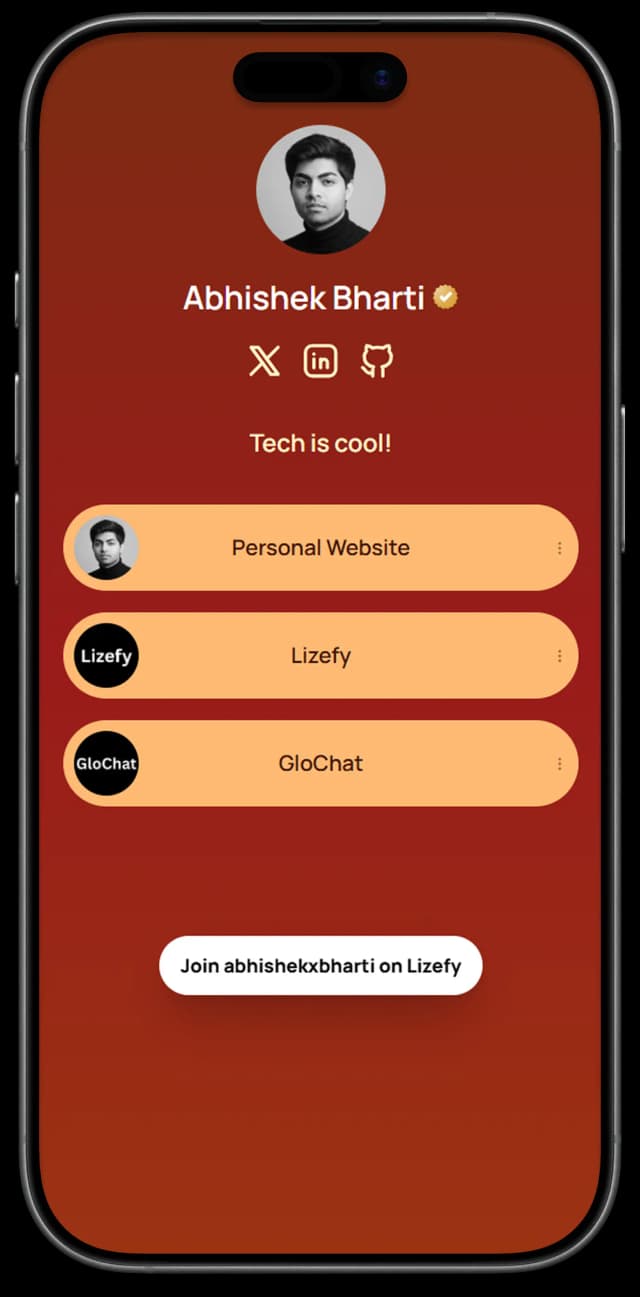
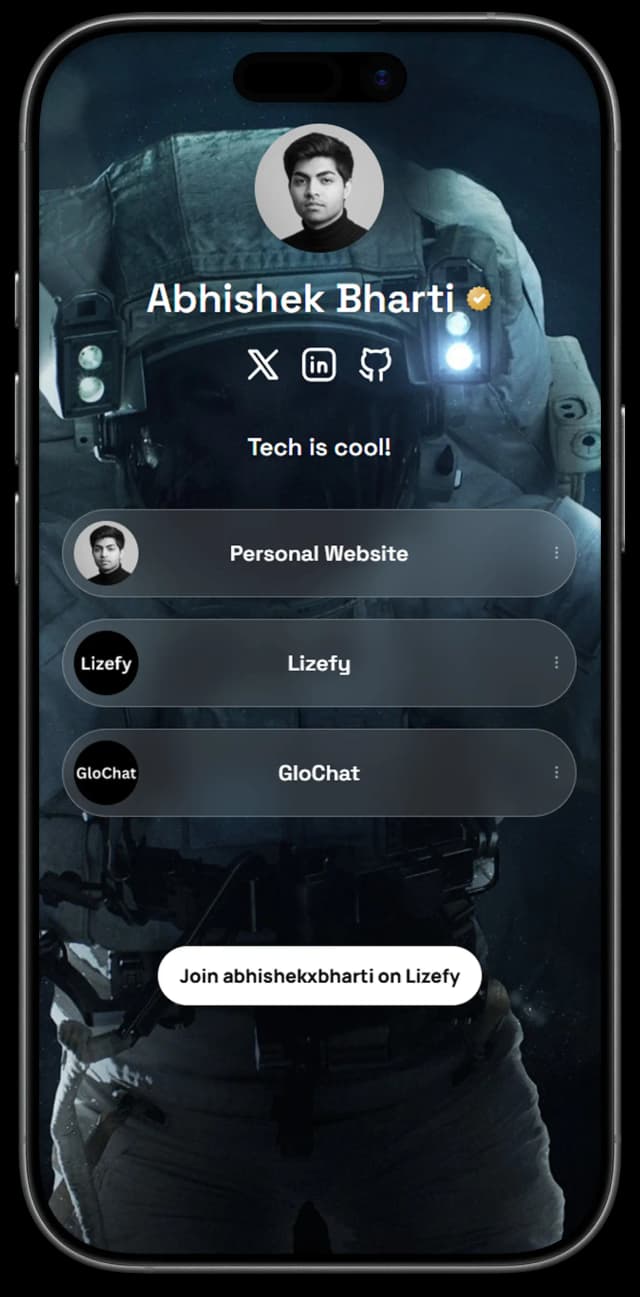
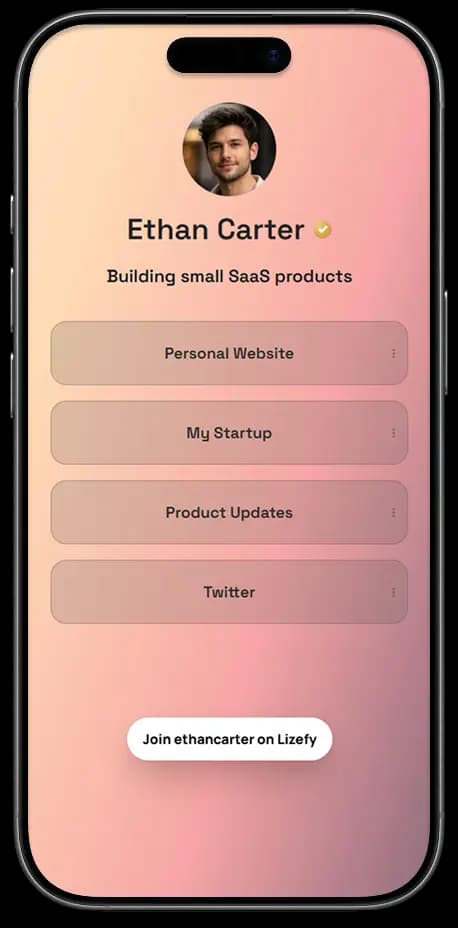
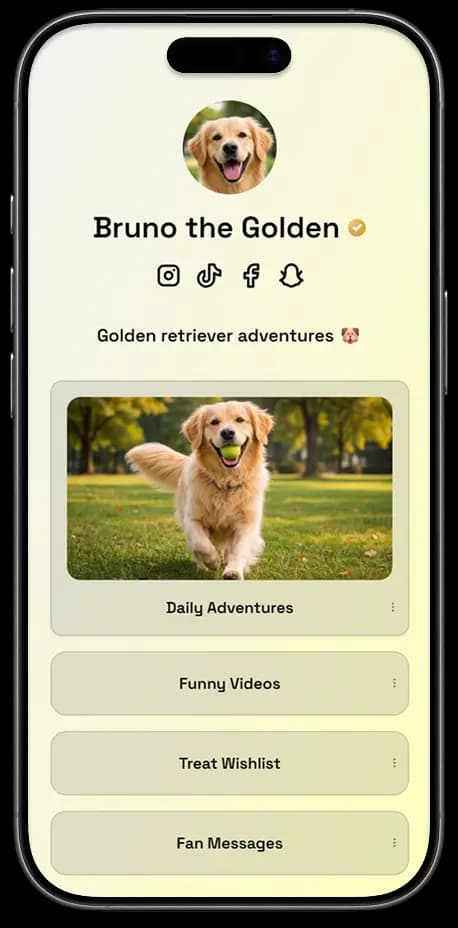
Some examples of pages
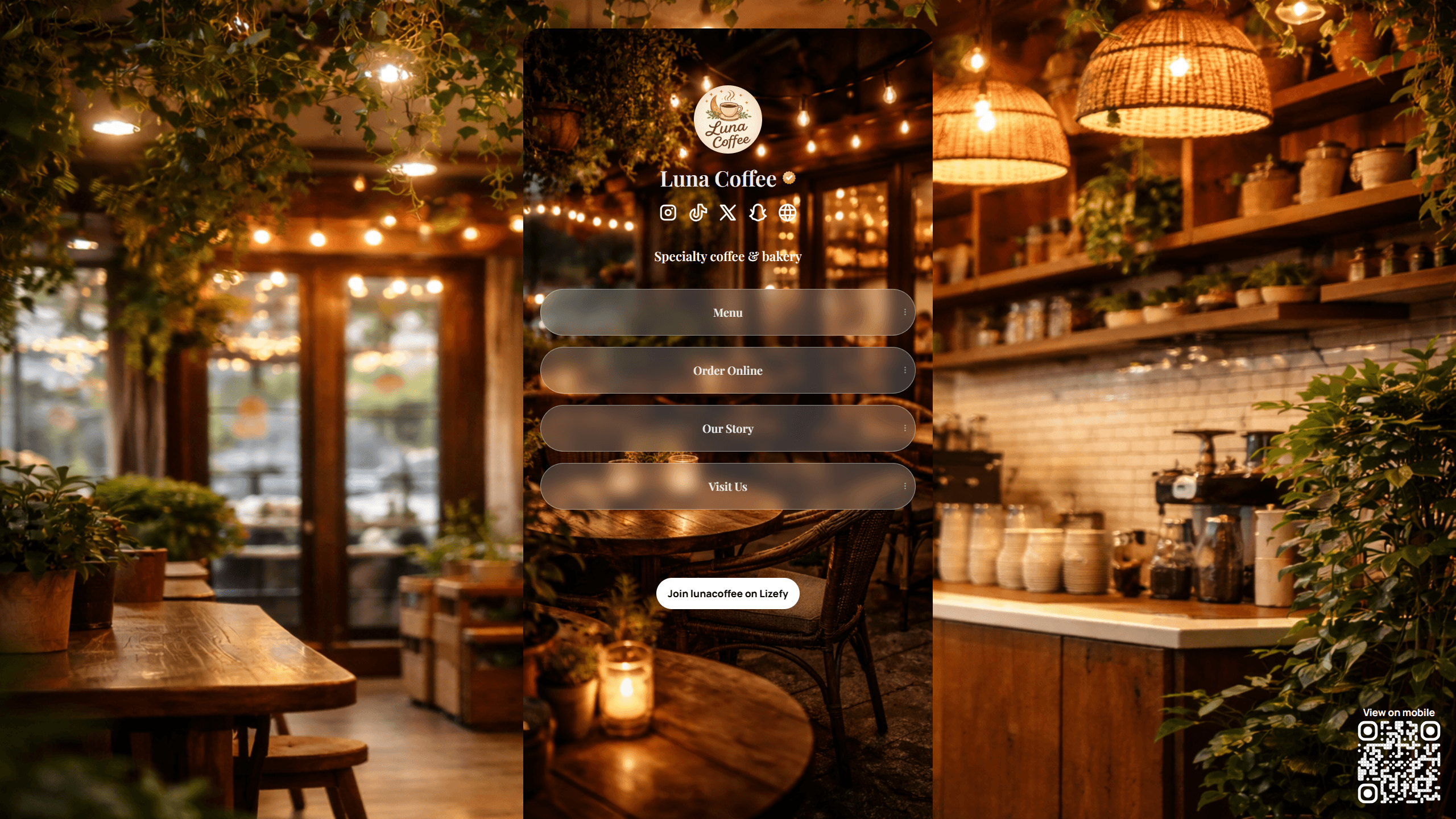
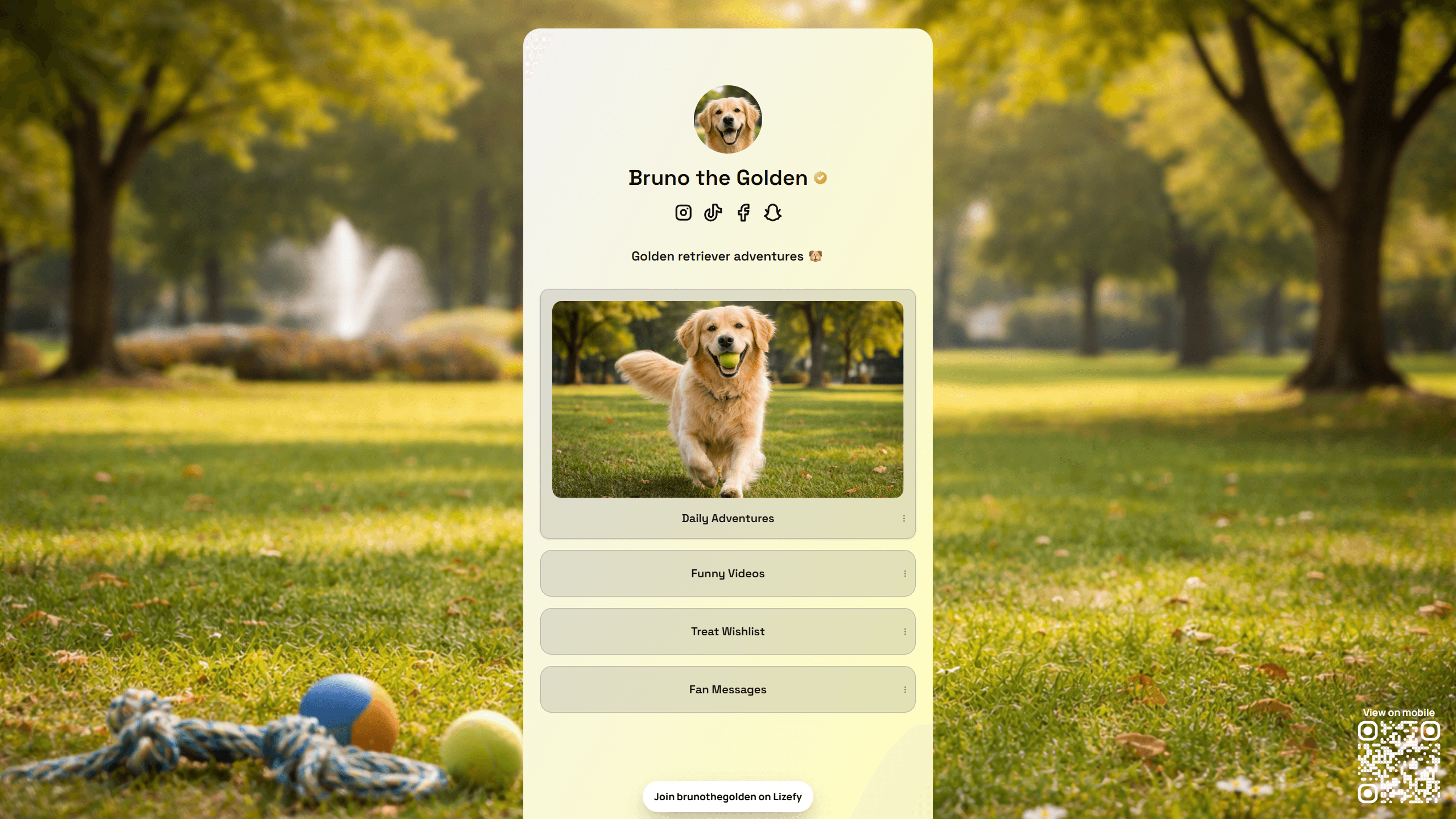
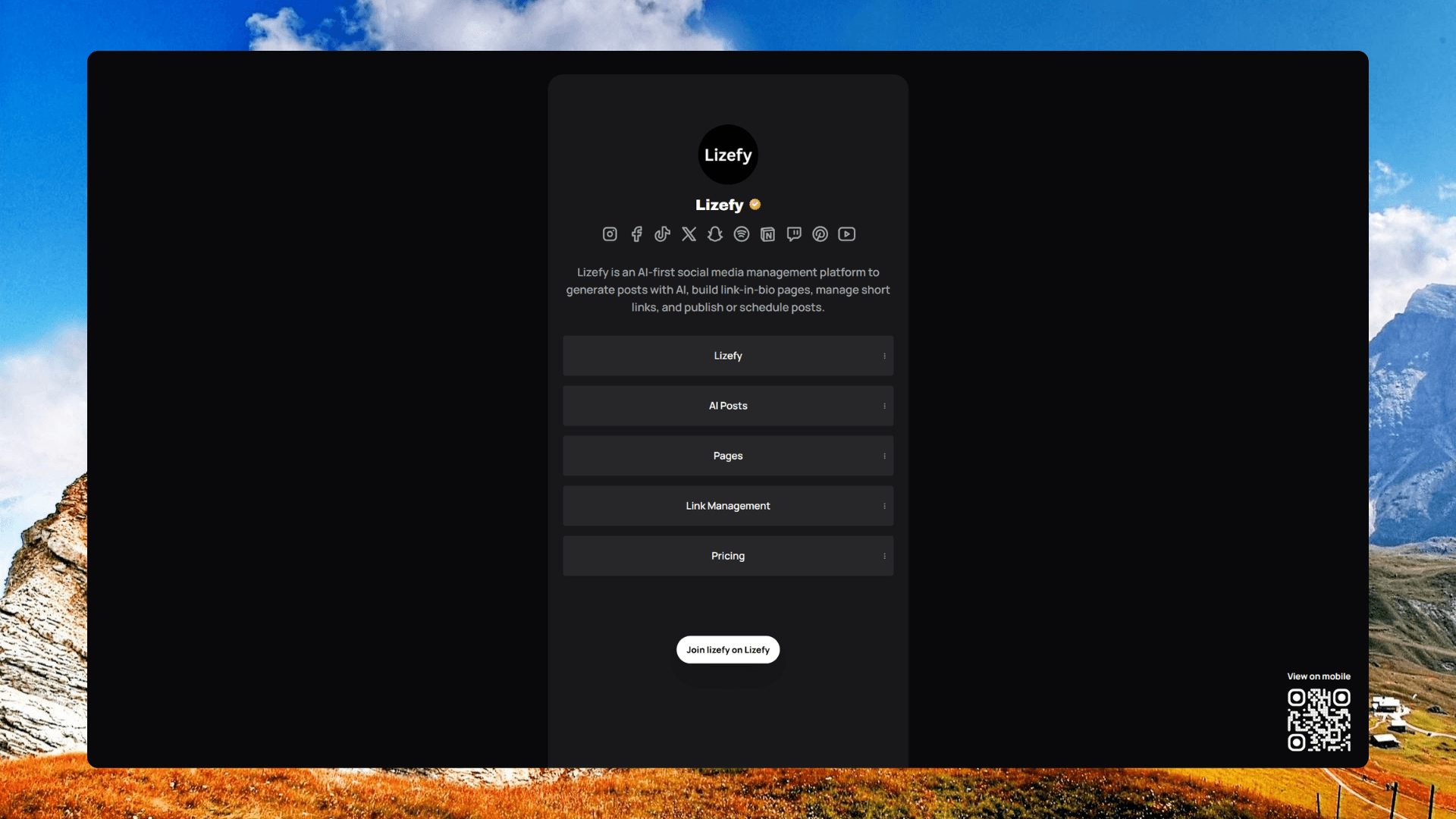
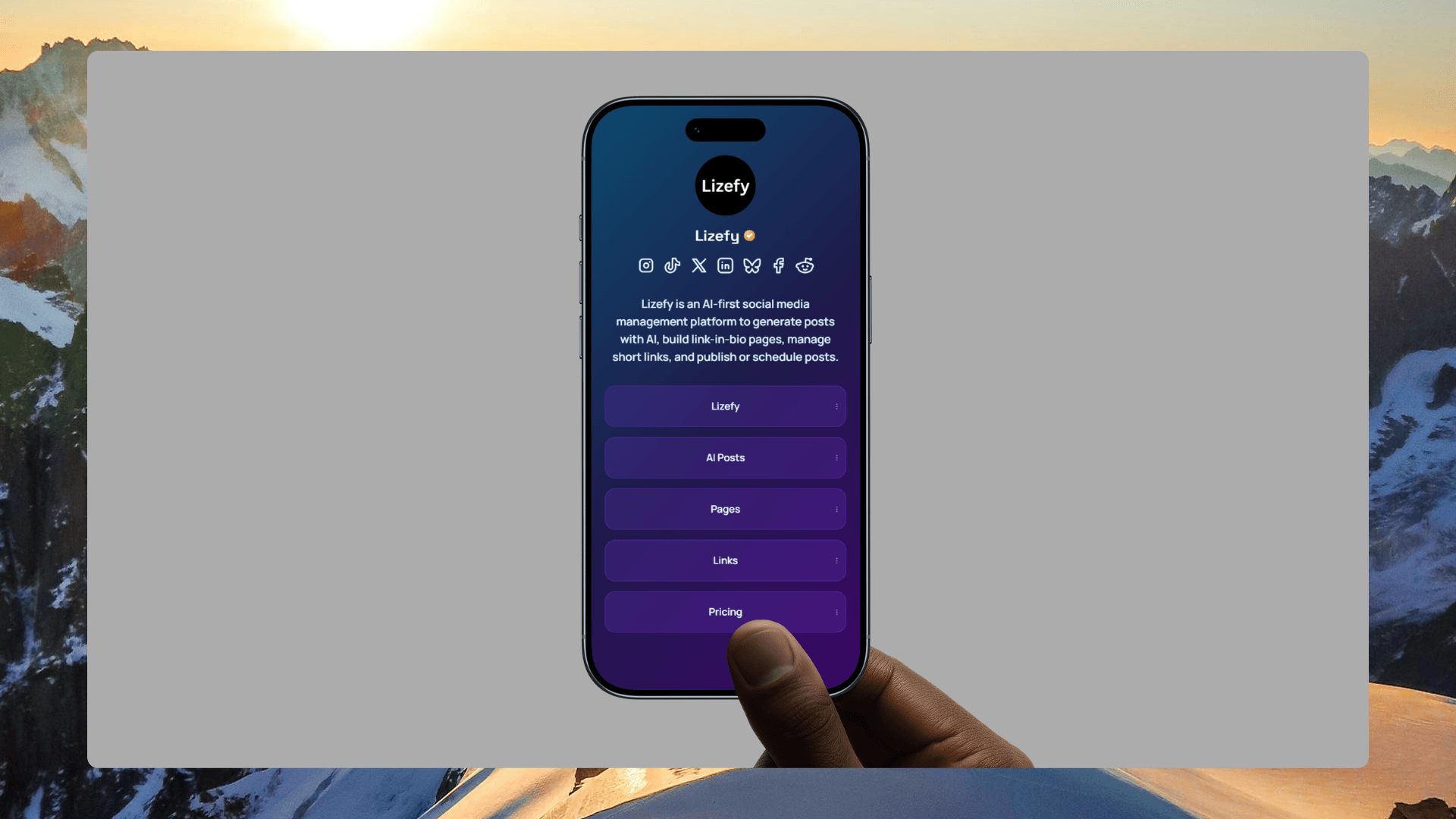
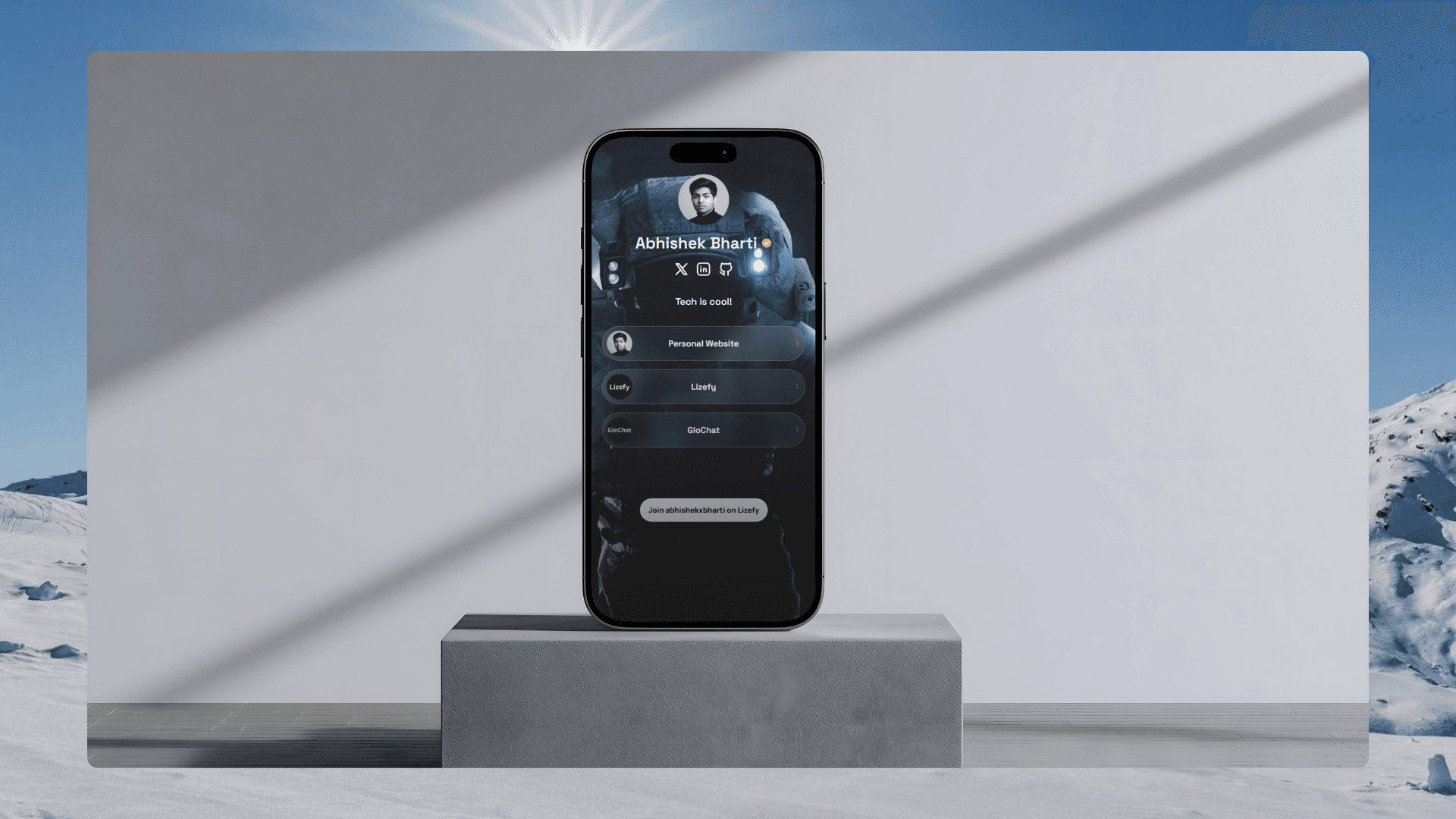
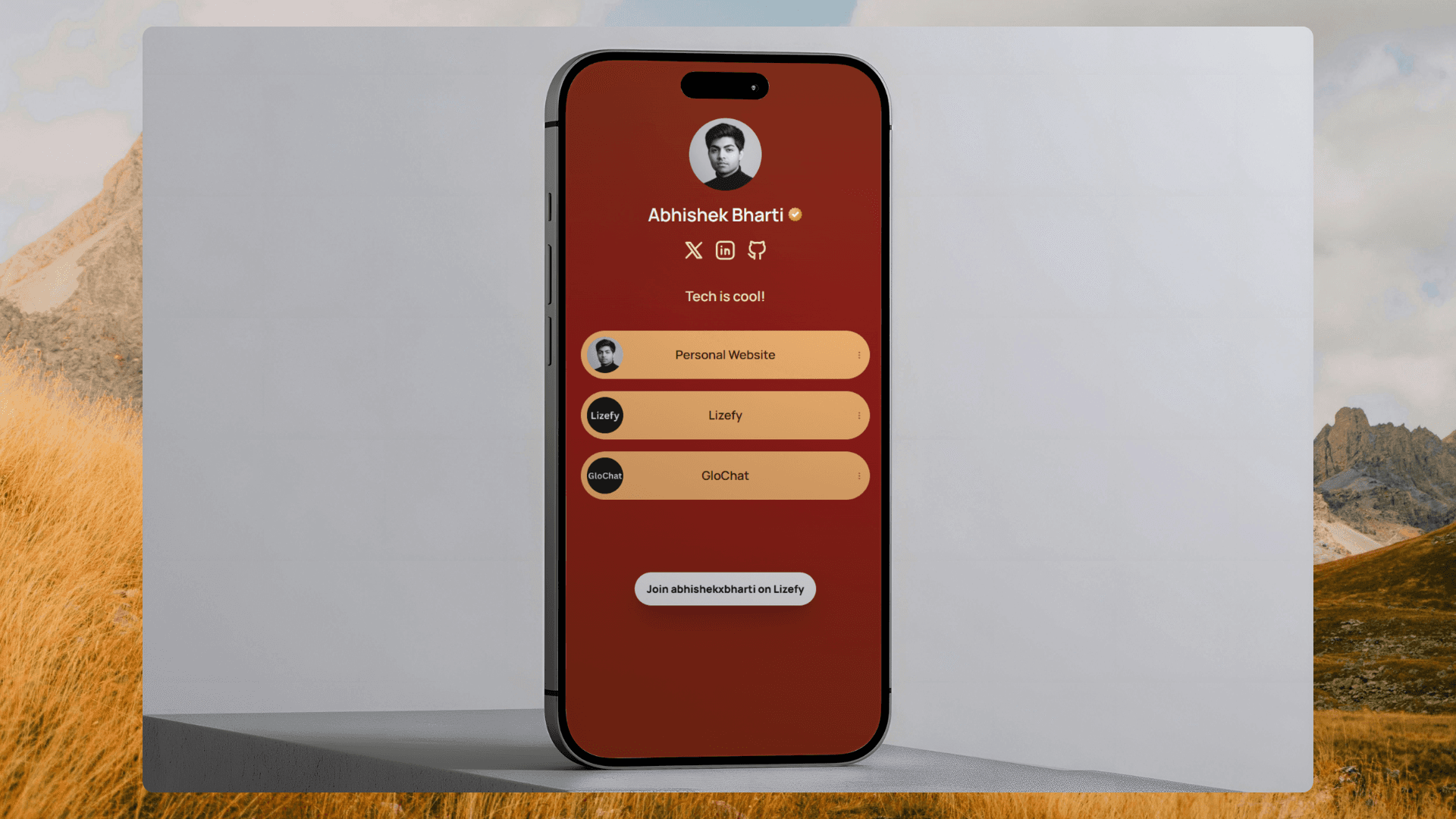
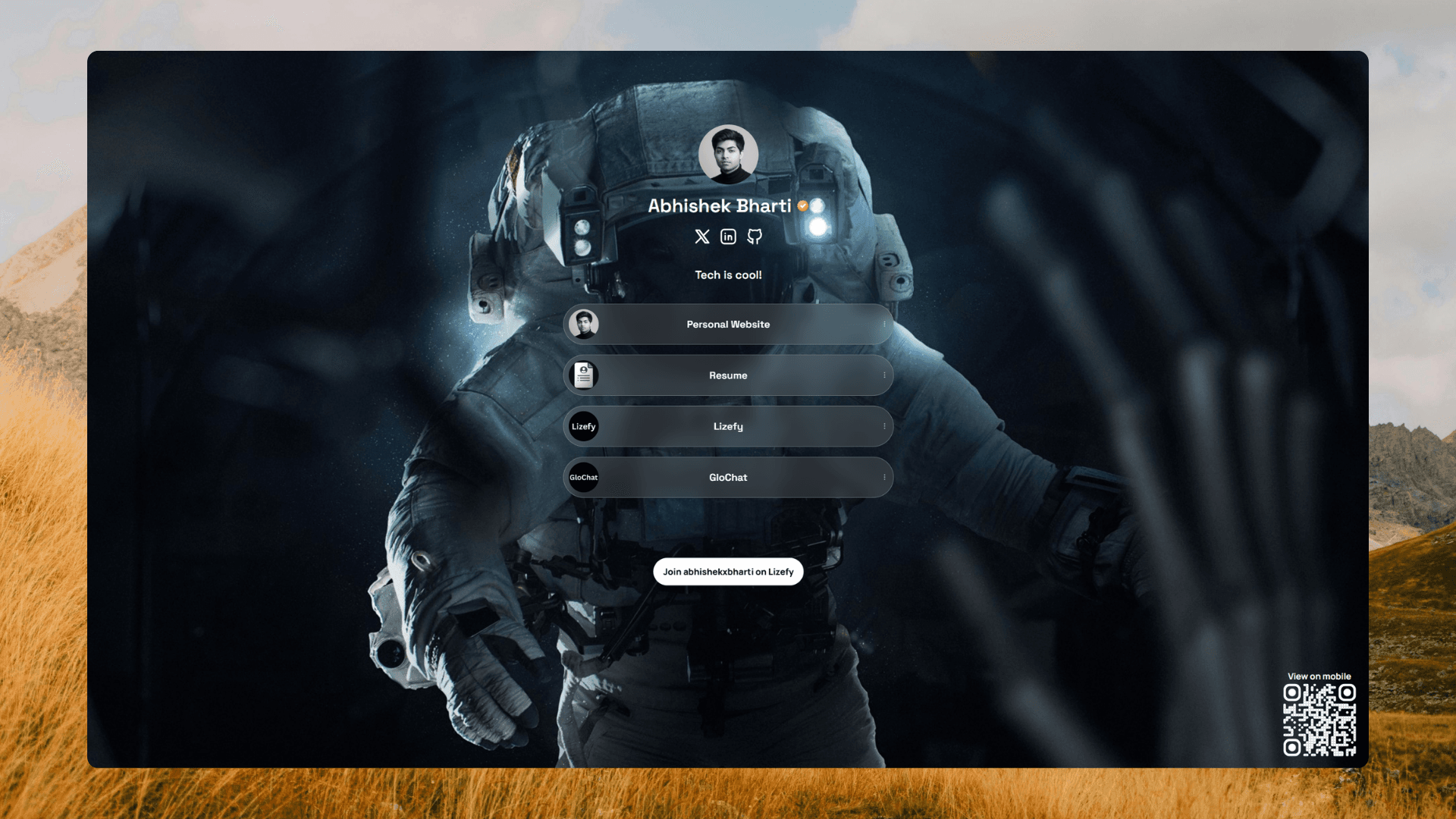
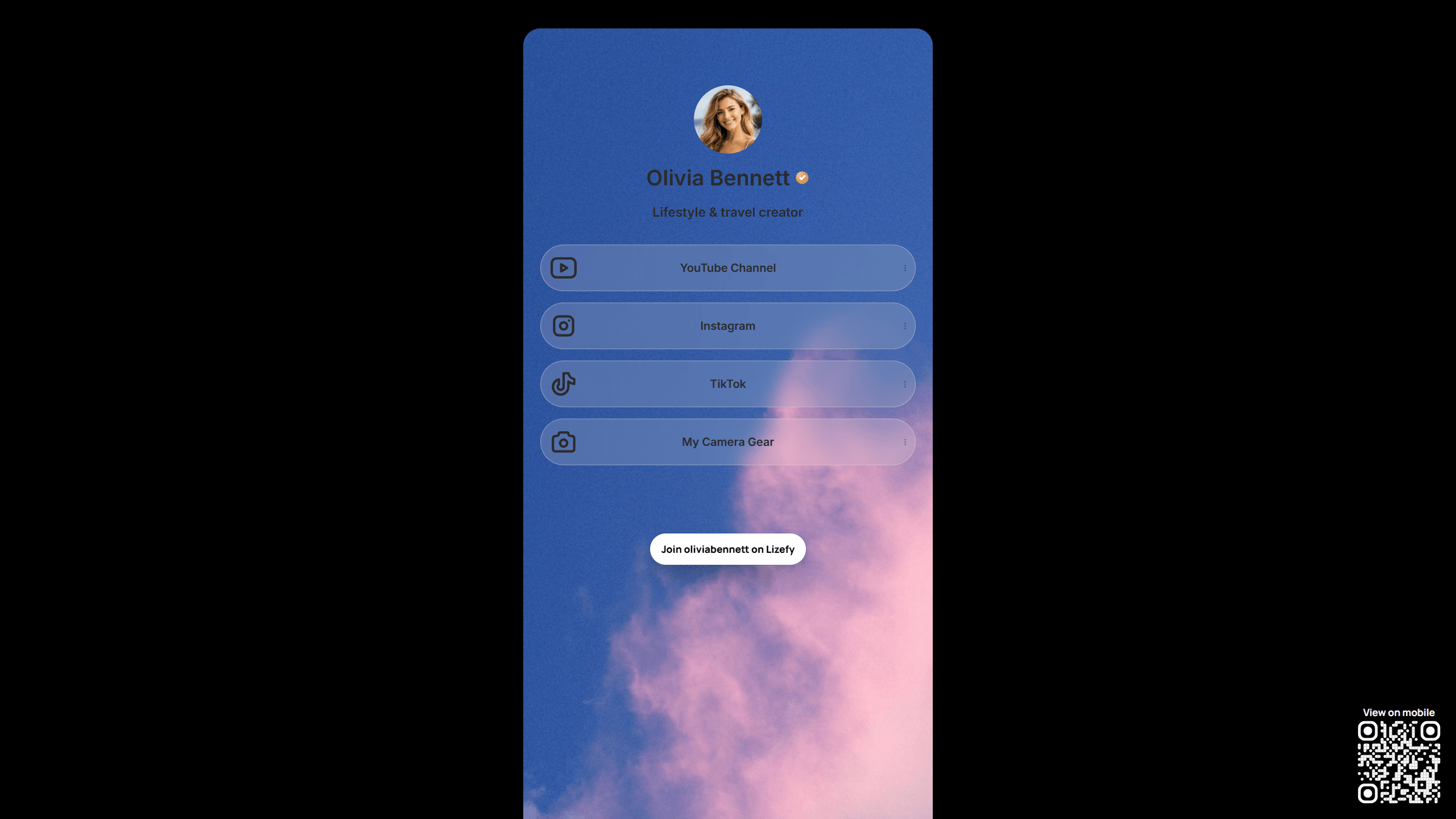
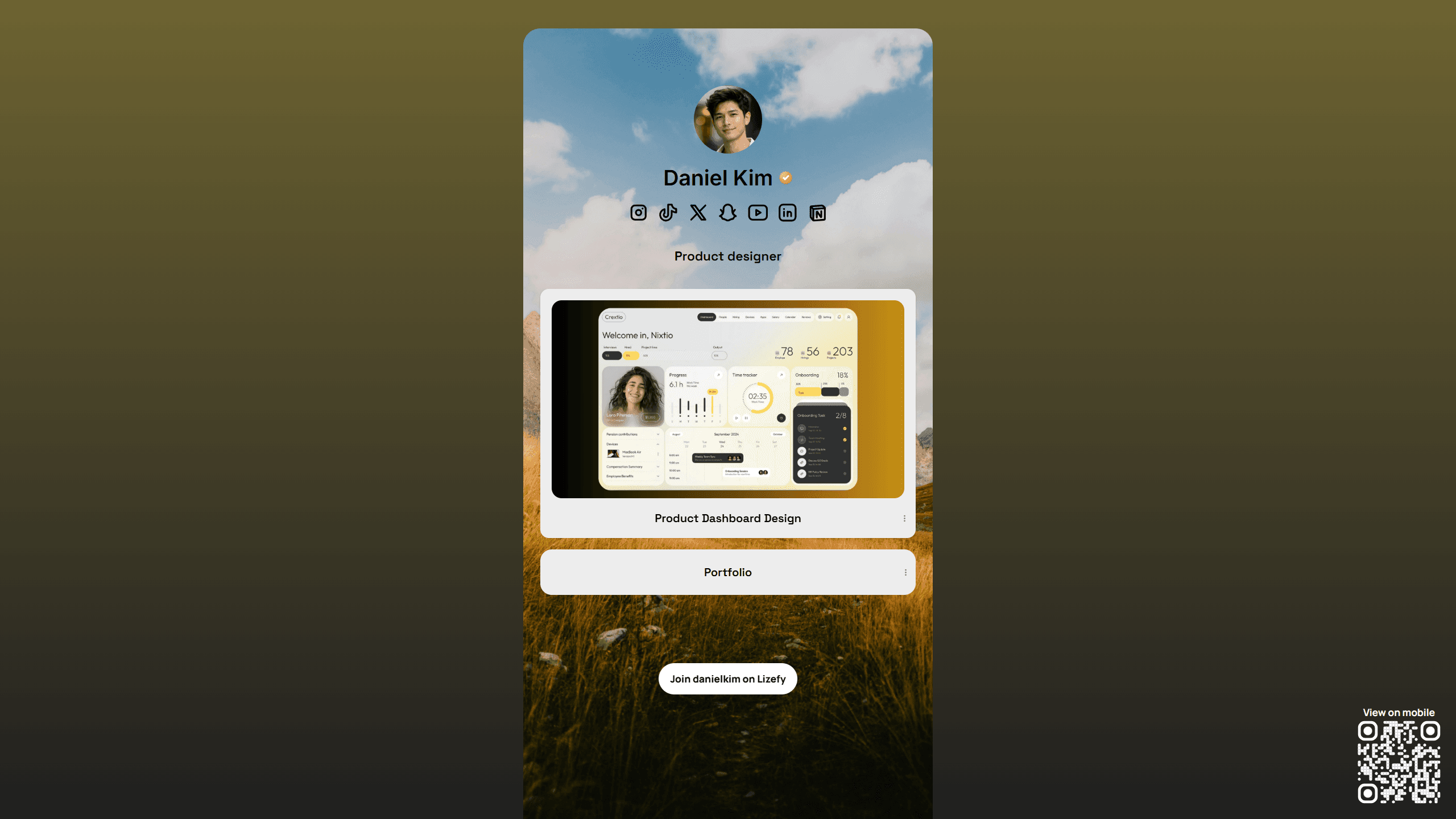
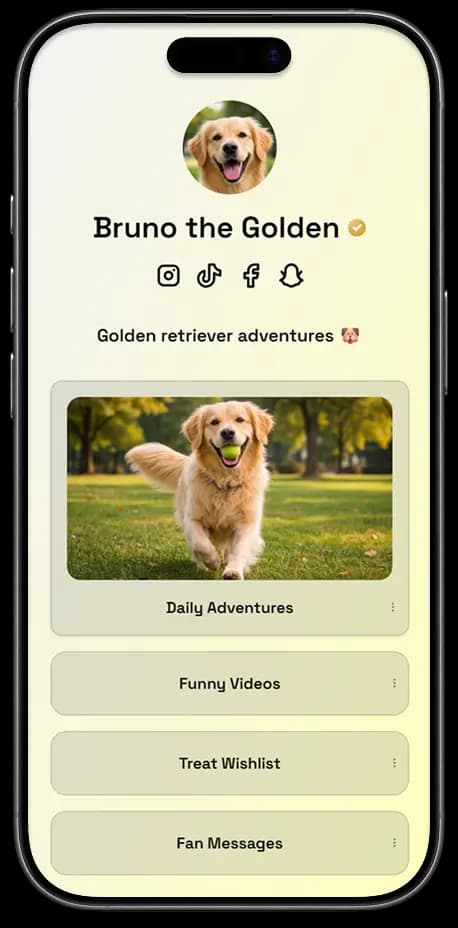
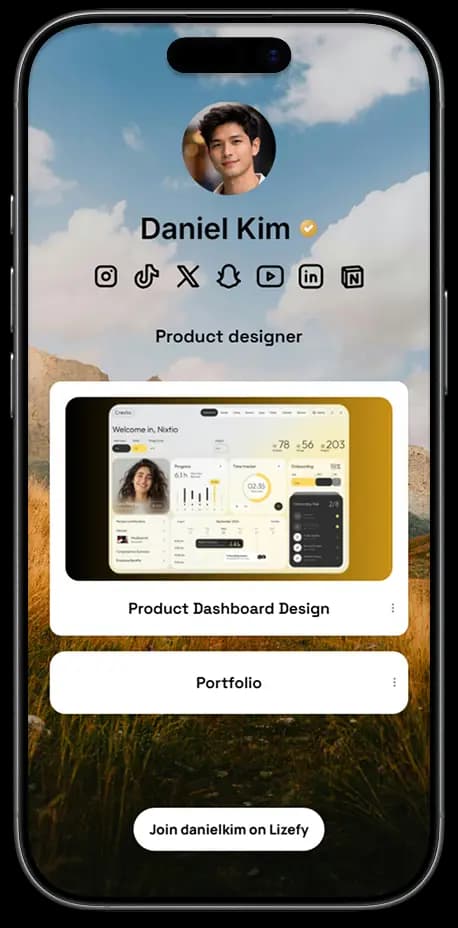
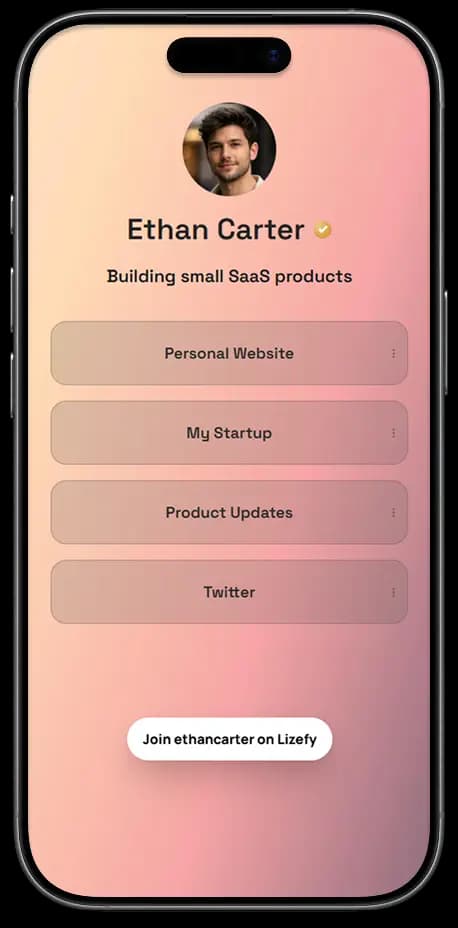
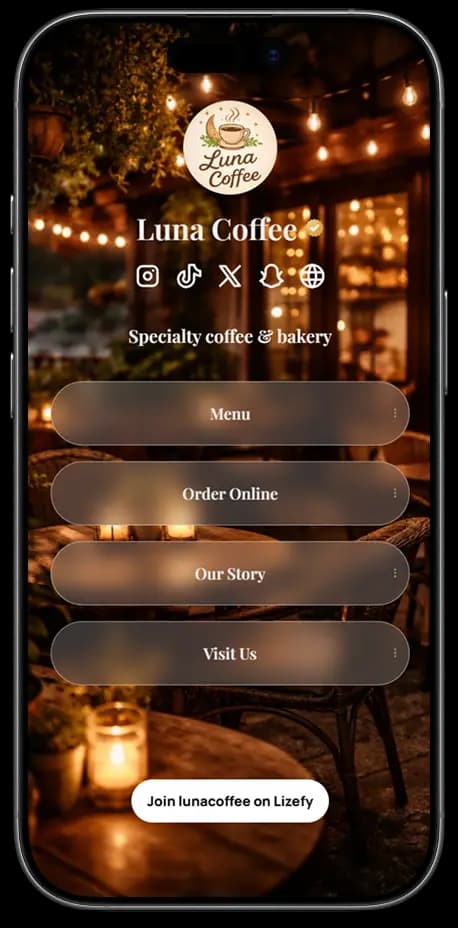
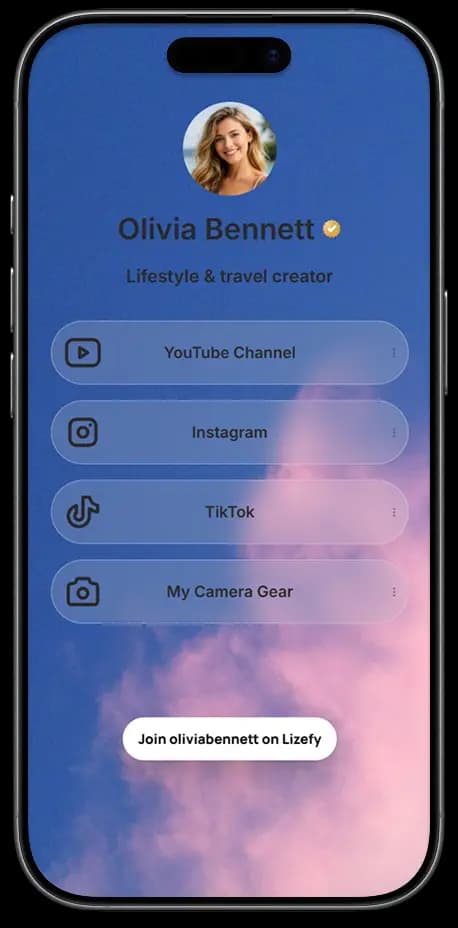
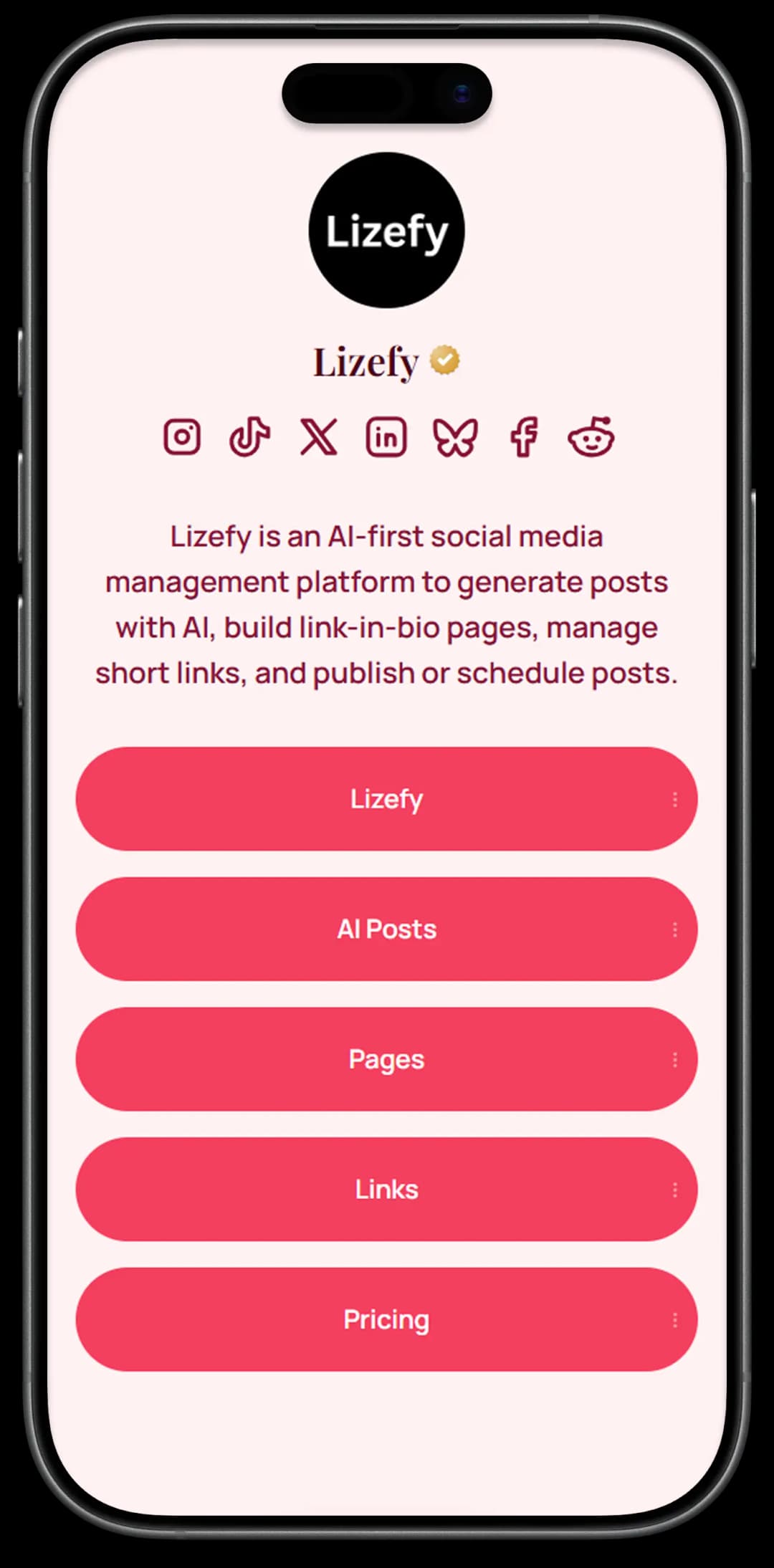
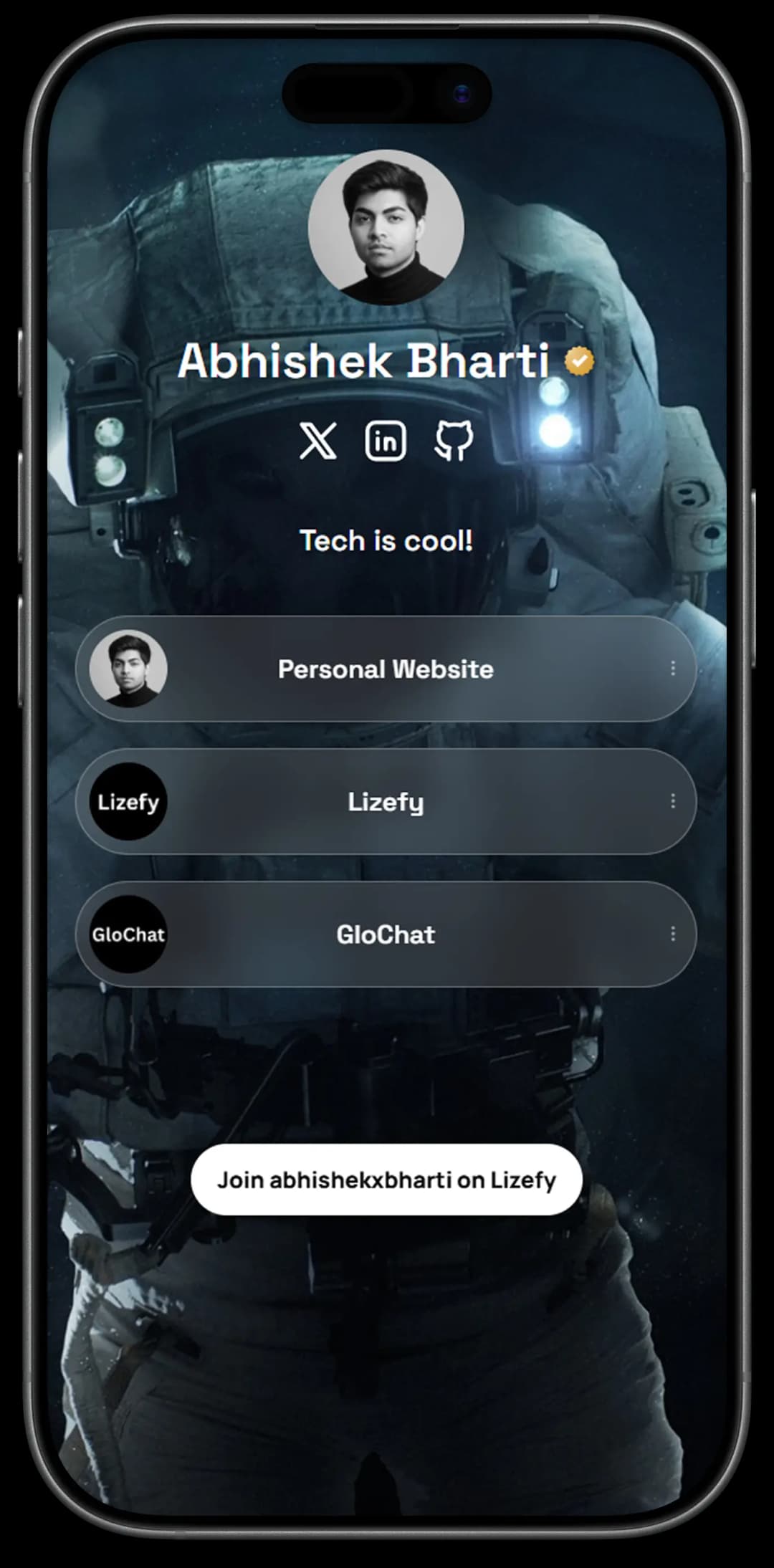
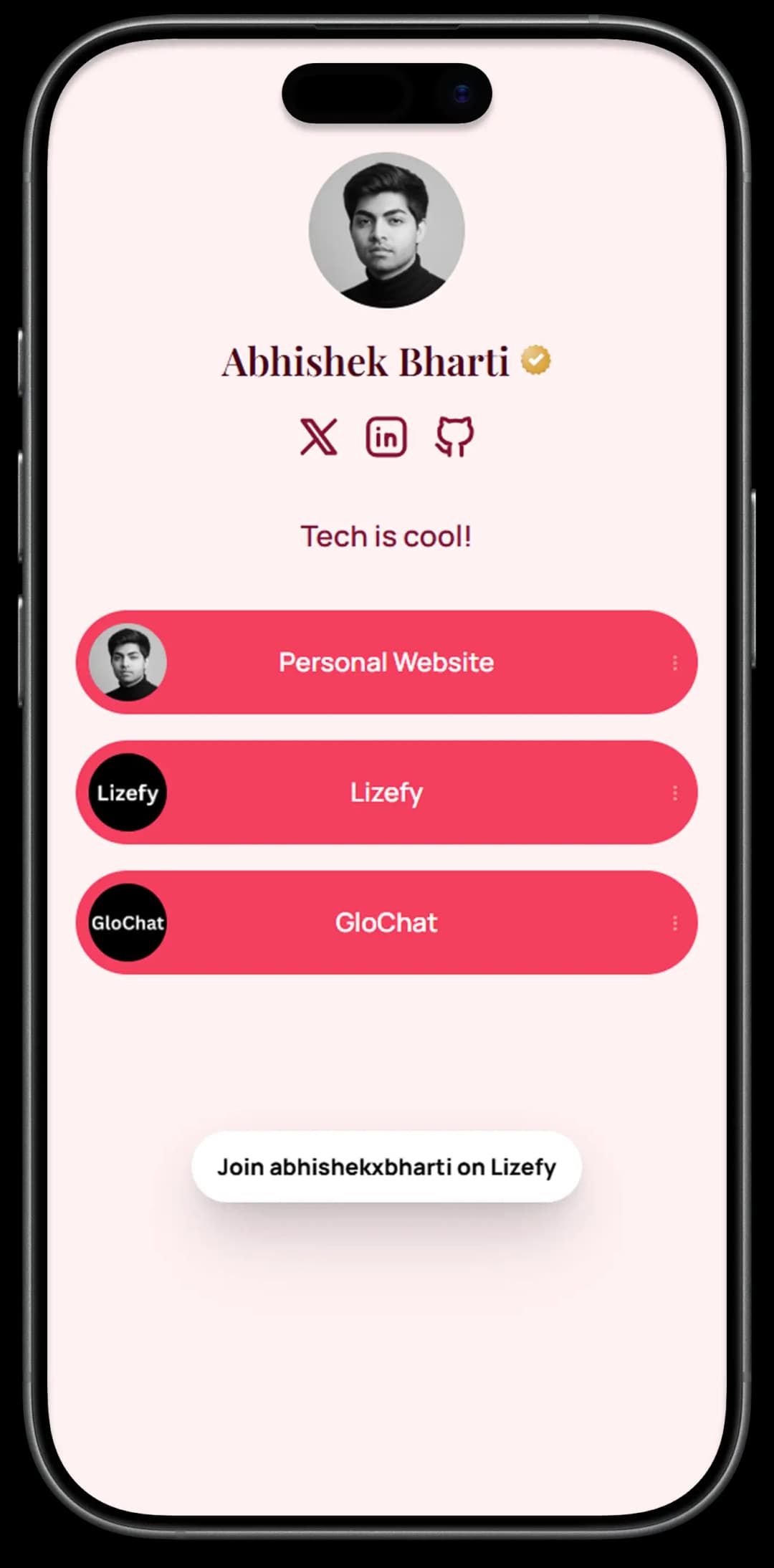
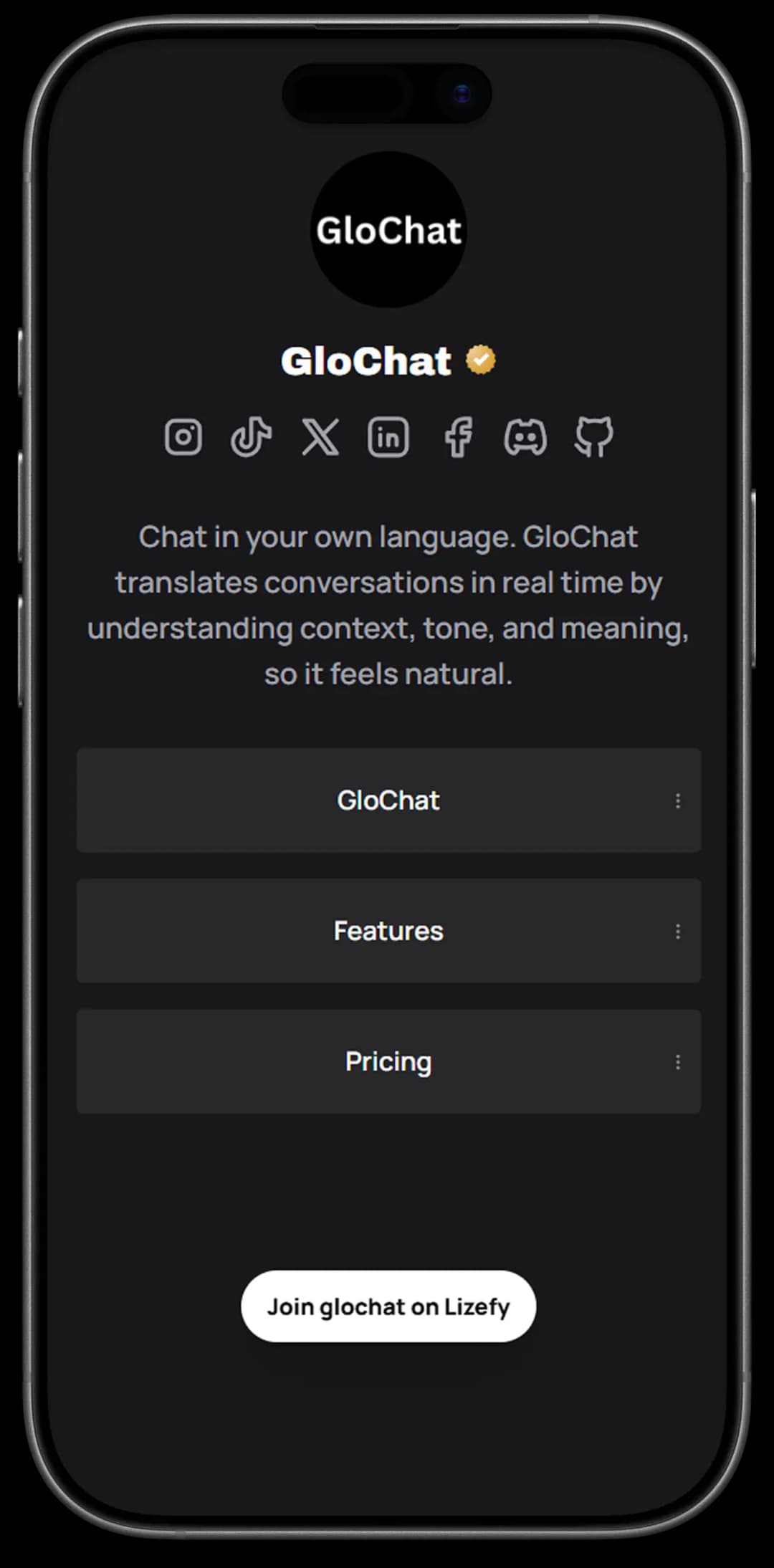
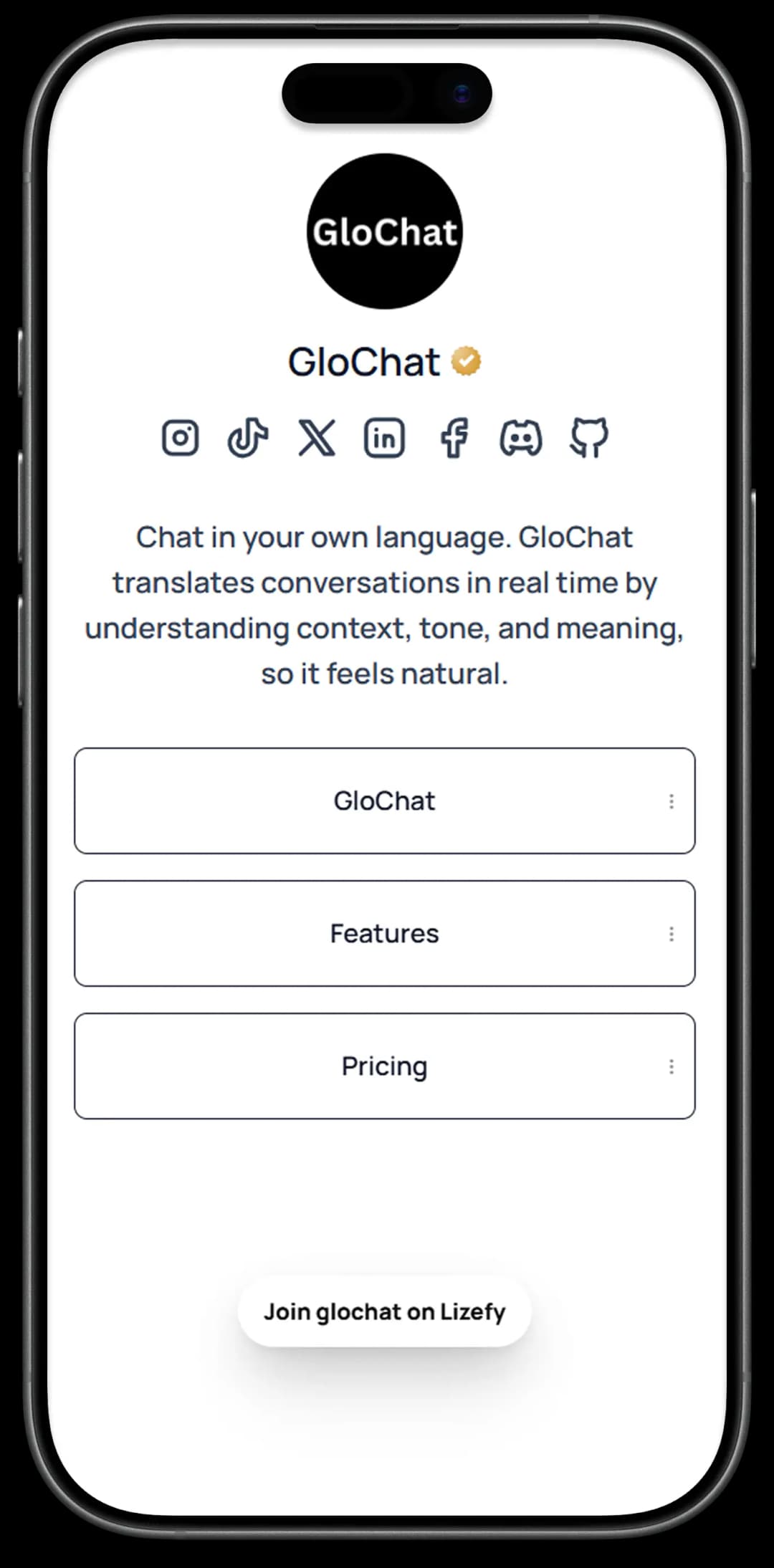
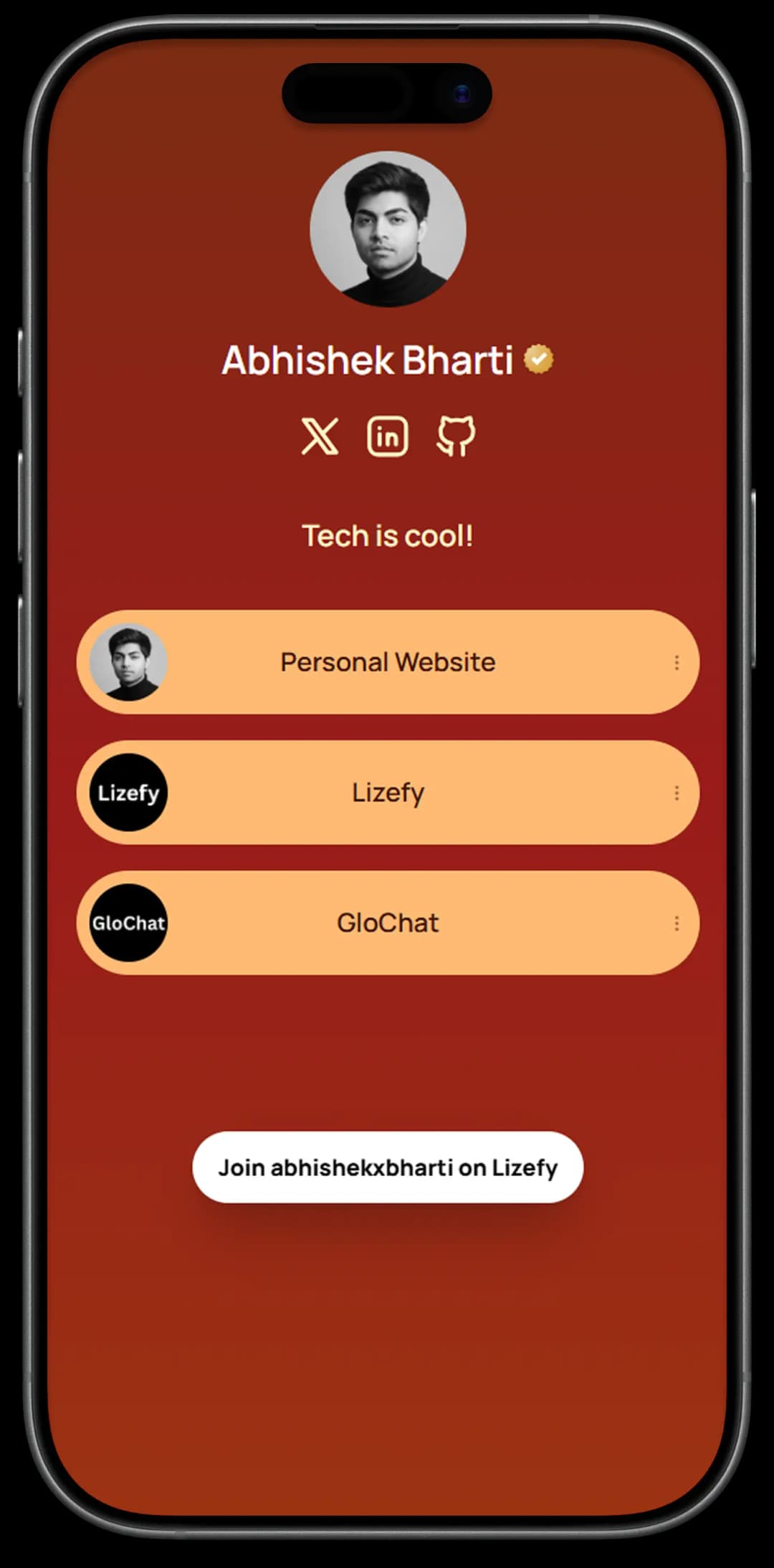
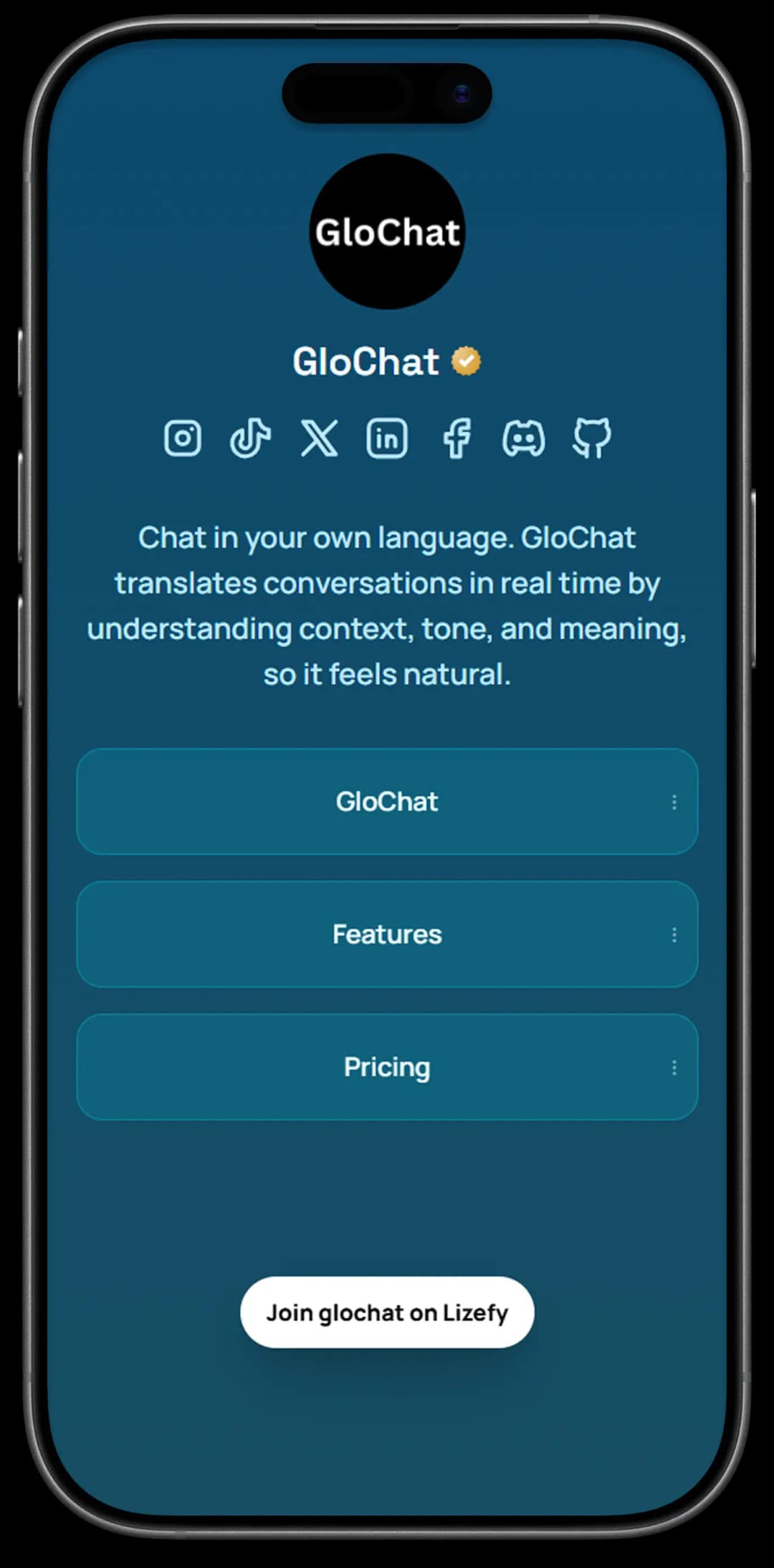
Make your page unique
Features that make sense
Visibility Controls
Control who sees your page. Set a password for exclusive content or make it private.
Share QR Code
Share your page with the world. Get a QR code for your page and share it with your friends.
Custom Domain
Link your Lizefy page to your own domain. Make it feel like your own.
Multi-Page Support
Create multiple pages. Perfect for portfolios, businesses, and more.
Live in three steps
Claim your username
Sign up and pick a unique username. Your page goes live at lizefy.com/yourname.
Add links & socials
Drop in your important links and connect your social profiles. Drag to reorder.
Customize & share
Pick a theme, tweak the design, and share your page link everywhere.
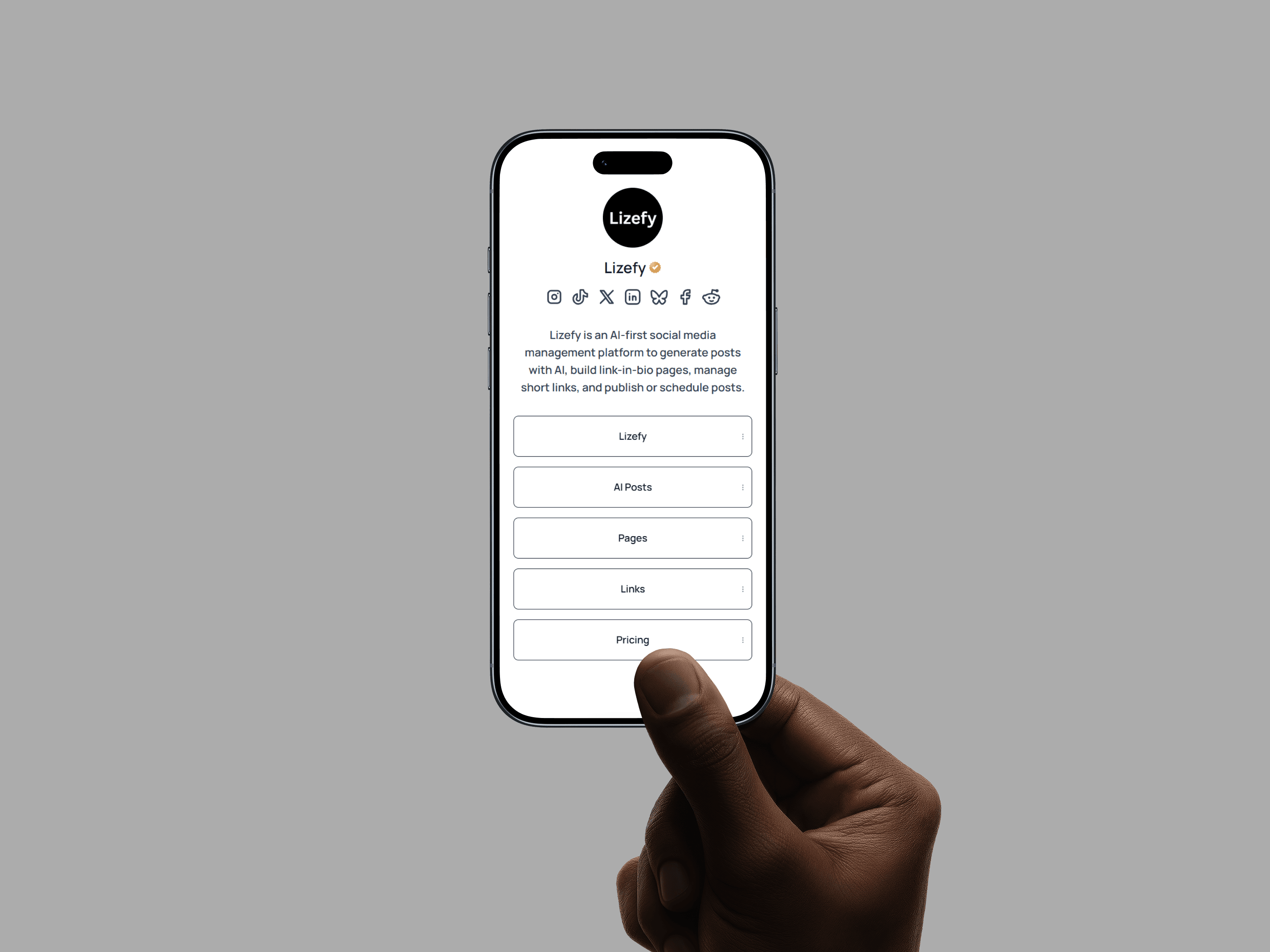
Frequently Asked Questions
Pages are customizable link-in-bio pages that let you bring all your important links into one place. Add social profiles, websites, and content so people can access everything from a single page like lizefy.com/username.
Use it as your personal hub, social home, portfolio, or however you want to present yourself online.
Creating a page only takes a few steps:
- Claim your username
- Add and organize your links
- Customize your page and share your link
Your page is instantly ready to share anywhere.
Yes. You can connect your custom domain so visitors access your page through your personal or brand domain instead of a Lizefy URL.
Yes. Lizefy provides visibility controls for your pages. You can make a page public, password-protected, or private depending on who you want to access it.
Yes. Lizefy supports multiple pages, allowing you to create separate pages for business portfolios, creator profiles, or personal links.
Your page has a shareable link you can place in social media bios, messages, or websites. Lizefy also generates a QR code so people can open your page instantly by scanning it.